Wireframes & user flows
We map the key journeys and lay out each screen's structure before any visual styling, so content and flow are right first.
- User flow diagrams
- Low-fidelity wireframes
- Content hierarchy for key screens

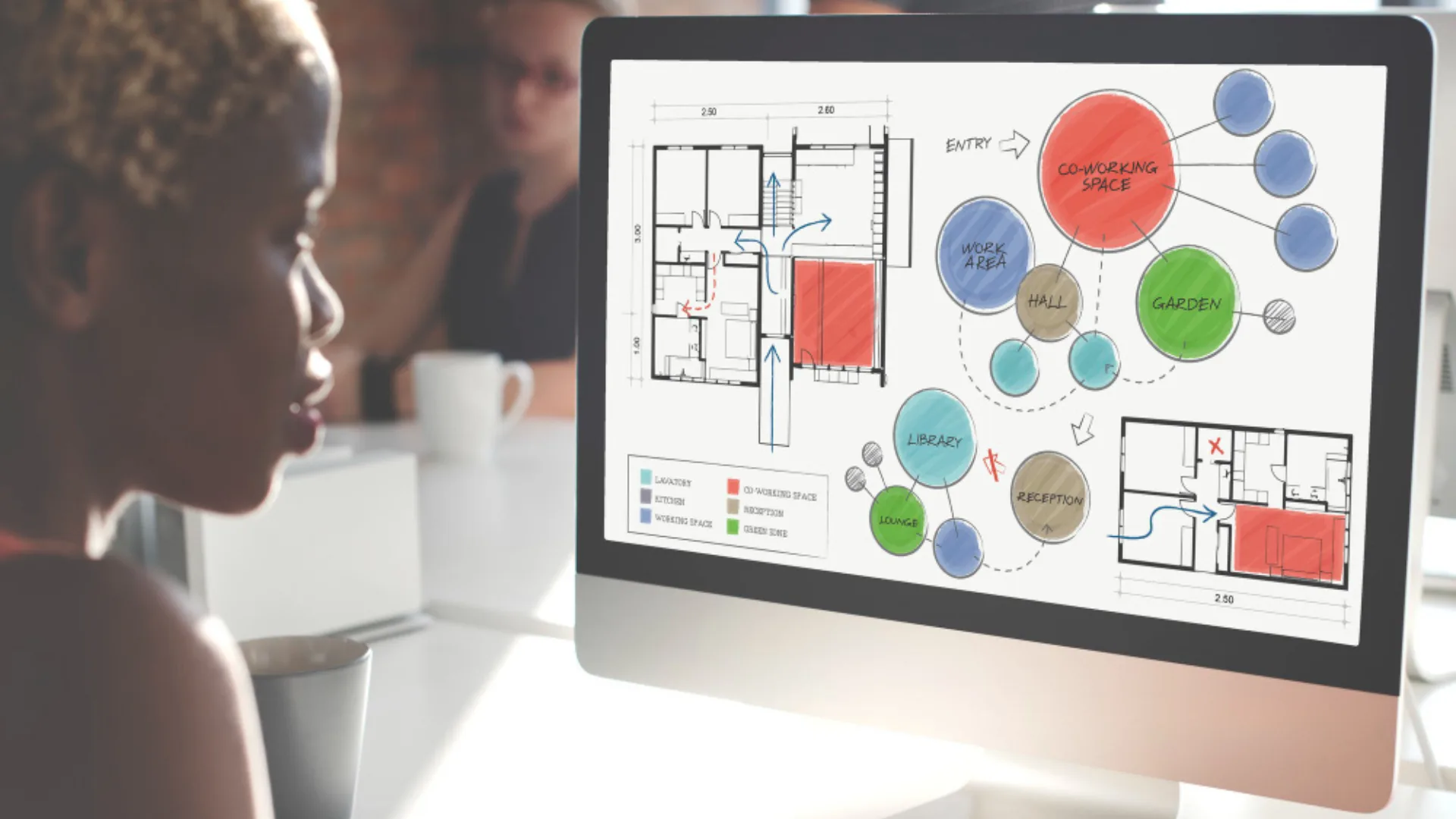
We map the key journeys and lay out each screen's structure before any visual styling, so content and flow are right first.
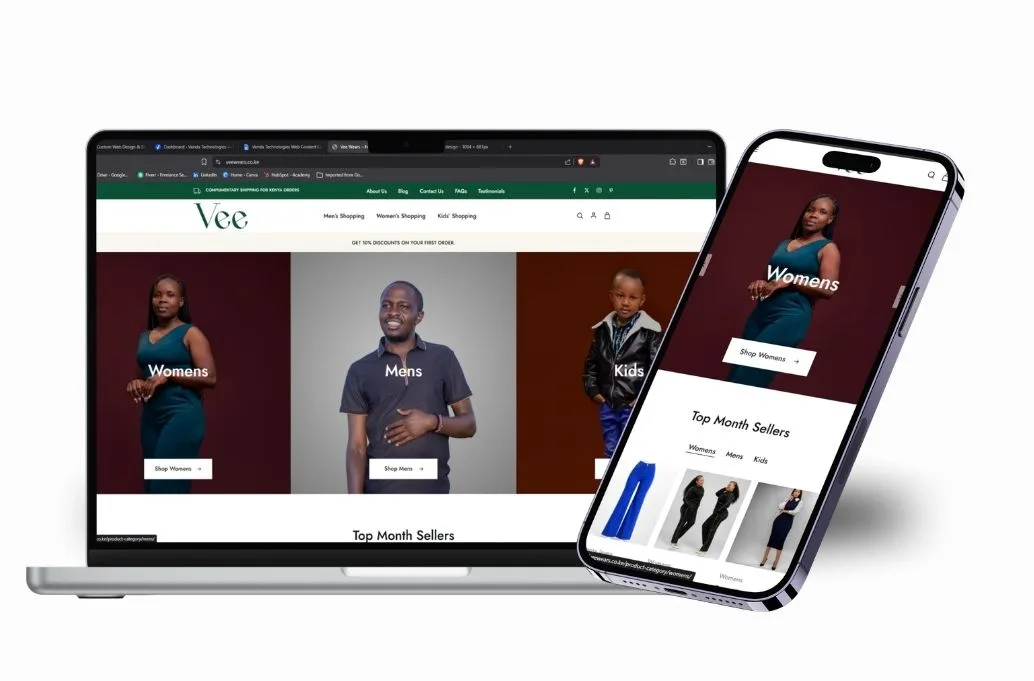
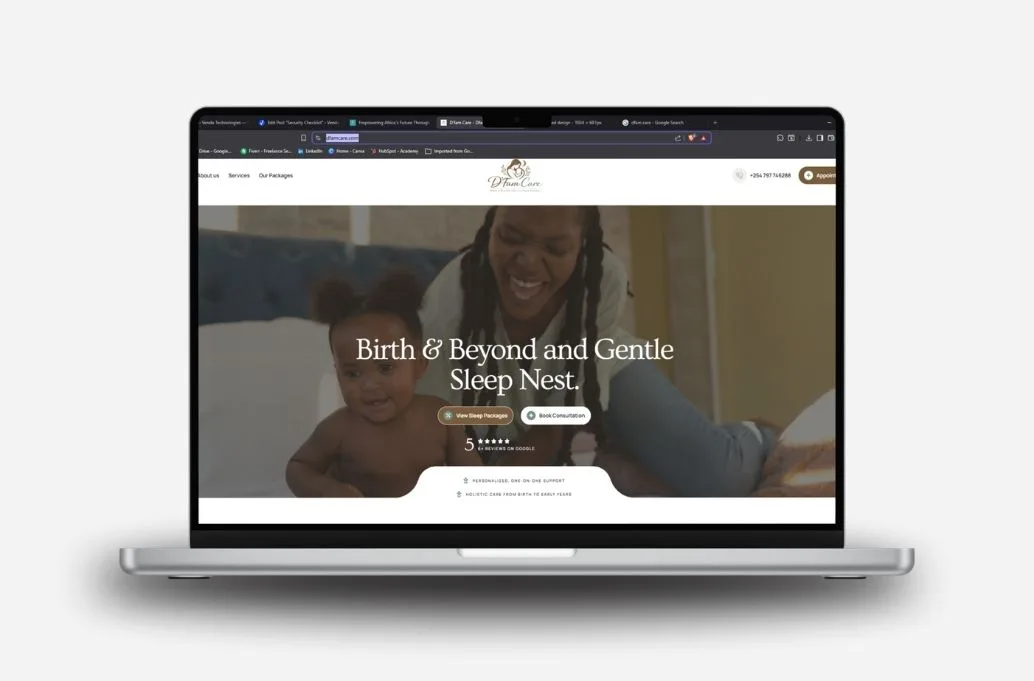
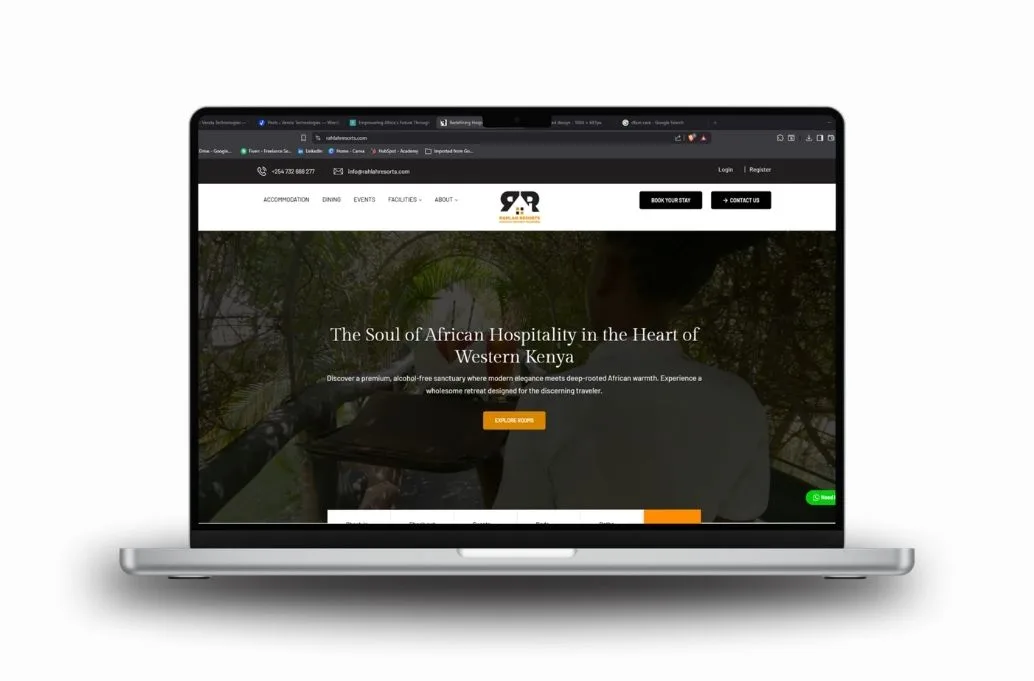
We apply your brand to polished, accessible screens designed mobile-first and consistent across the product.
Screens are linked into a clickable prototype you can test with users and share with stakeholders or investors.
We package reusable components and clear specifications so developers build exactly what was designed.
The detail
UI design (user interface design) is the visual and interactive layer of a website or app: the layout, typography, color, buttons, forms, icons and the way each element responds when someone taps it. Figma prototyping links those designed screens into a clickable model of the product that looks and behaves close to the real thing. Together they let you see, test and refine a product before development begins, when changes cost the least.
We provide UI design and interactive prototypes for Kenyan startups, businesses, NGOs and schools building websites, web applications, portals and mobile-first products. Some clients come to us for design only and build with their own developers; others take the design straight into development with our team.
We begin with how people move through the product: the steps to sign up, book, pay or find information. We sketch these as user flows and low-fidelity wireframes, focusing on structure and content rather than colors. This is where most usability problems are cheapest to solve, and where findings from UX research and usability testing are put to work.
Once the structure is agreed, we apply your brand identity: typography, color, imagery, iconography and spacing. We design mobile-first because most Kenyan users will reach your product on a phone, often a mid-range Android device, then scale up to tablet and desktop. Every screen includes the states people forget to design, such as empty lists, error messages, loading, success confirmations and disabled buttons.
We check color contrast, text size, tap-target size and clear labeling so the interface works for more people, including those using screens outdoors in bright light or with less digital experience. Plain language in buttons and forms matters as much as the visuals, and we review microcopy alongside the layout.
We link screens in Figma into a clickable prototype covering the core journeys. You can share it with stakeholders, test it with users and even show it to investors or partners as a realistic preview. Feedback is gathered directly on the screens, so comments are specific rather than vague.
Buttons, form fields, cards, navigation and other elements are built as reusable Figma components with defined styles. This keeps the product consistent as it grows and makes development faster. We walk developers through the file, answer questions during the build and review the implemented product against the design before launch.
Good UI design shows up as faster, smoother development with fewer surprises, fewer rounds of rework and users completing tasks without help. We track feedback from prototype testing, the number of design questions during development and, after launch, task completion and conversion on key journeys. You can see how design fits into delivery on our process page.
The best UI design in Kenya balances global good practice with local realities: varied devices, patchy connections, mixed languages and users with very different levels of digital confidence.
If you plan to build a portal or dashboard next, our web application development team can take your prototype straight into production.
Whether you have a rough idea or a detailed specification, a prototype is the quickest way to align your team and test your thinking. Book a discovery call and we will recommend the right level of design and prototyping for your stage and budget.
FAQ
Can't find your answer? Ask our team — we reply within one business day.
Cost depends on the number of unique screens, user roles, how much interaction the prototype needs and whether you need a full design system. A simple marketing site needs far less than a multi-role web application. We quote a fixed scope after a discovery call where we review your product and goals.
Figma is browser-based, so clients, designers and developers can view and comment on the same file without special software. It supports reusable components, interactive prototypes and developer inspection of spacing, colors and assets. You receive the editable file at the end, so your team can continue working on it.
Yes. A clickable prototype is often more convincing than slides because people can experience the product. We share a link that works on phones and laptops, and we can refine the core journeys specifically for demos or usability testing sessions before you commit to development.
Yes. Many clients use in-house or partner developers. We organize the Figma file clearly, document components and states, run a handoff session and remain available for questions during development. We can also review the finished build against the design to catch inconsistencies before launch.
It depends on the number of screens, how quickly feedback comes back and whether we start from existing research or brand guidelines. We share a phased timeline after discovery, usually covering flows and wireframes, visual design, prototype and handoff, with review points at each stage.
UX design is about how the product works for people: the structure, flows and decisions that help users reach their goals. UI design is the visual and interactive layer they see and touch. They overlap heavily, and we treat them as one process, starting with flows before moving to visual polish.
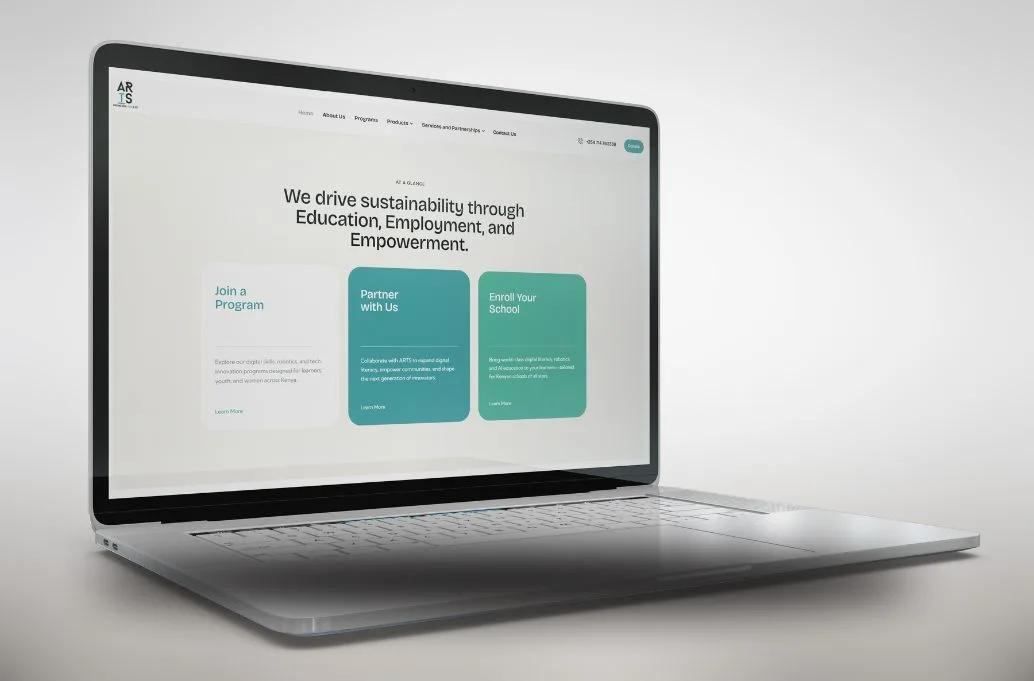
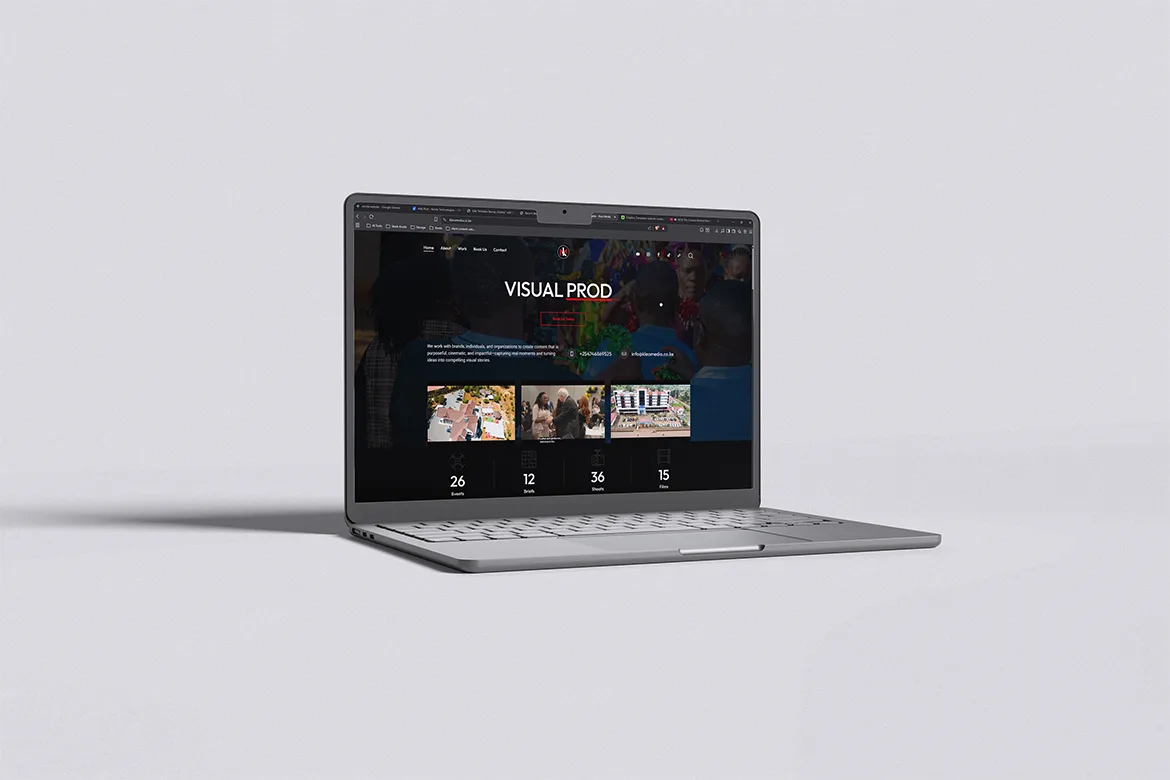
Why Venda for ui design & prototyping
Our designers work side by side with our developers, so every screen we hand over is realistic to build and fits your budget. We design mobile-first for Kenyan users on a wide range of phones, build accessibility in from the start and structure Figma files so your team can keep using them long after the project. You approve a working prototype, not a guess.